Play Sokoban from the CLI with custom maps.
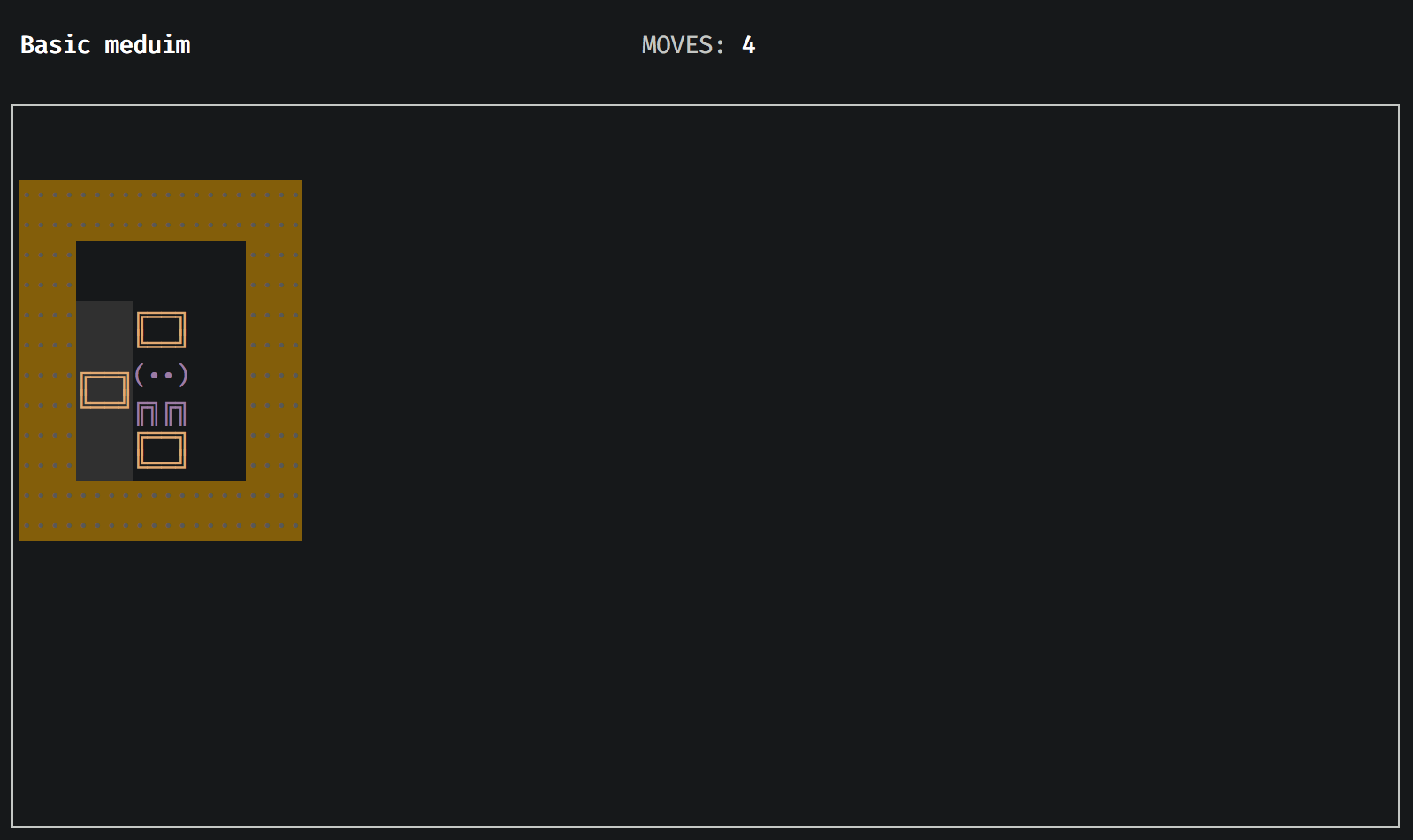
npm i -g sokoban-cliYou can play maps from files:
sokoban-cli map.txtOr you can play maps from the web:
sokoban-cli https://raw.githubusercontent.com/orisomething/sokoban-cli/master/maps/test-maps.txtAnd finally, you can put multiple maps files (txt) inside ~/.sokoban-cli folder and play them by running the command
without arguments:
sokoban-cli- Arrows keys for moving
- Q - Quit level/game
- R - Start from the beginning
- U - Undo
In case you need to scroll you can use the mouse