






Low-Code Edge AI & Computer Vision Framework for Espressif SoCs
ESP-VISION is a Low-Code Edge AI & Computer Vision Framework for Espressif SoCs. It deeply integrates essential capabilities including camera capture, image processing, video encoding and decoding, network transmission, model deployment, and AI inference, while providing unified and standardized Python APIs that enable developers to rapidly build edge applications combining visual capture, intelligent recognition, display, and media streaming.
- Unified and standardized Python APIs for camera capture, image input, display, video encoding, preview, and streaming across supported chips and boards, enabling low-code application development.
- Image processing capabilities covering drawing, filtering, color tracking, feature detection, QR codes, barcodes, and AprilTags.
- ESP-DL-powered AI inference for object detection, pose estimation, and image classification, with a streamlined path for deploying models to edge devices.
- Efficient C/C++ foundation components work closely with on-chip multimedia peripherals and hardware acceleration modules to deliver high-performance, real-time application execution.
- Develop with a VSCode-based host tool, Web IDE, standalone Device CLI, or supported AI clients through the official plugin; manage firmware builds through
idf.py.
Document Center:
EV-MUX v4 provides IDEs, host tools and independent Agent adapters with discovery, control, framed Python interaction and JPEG preview. Board-enabled usj, usb, uart and tcp links share one owner session, which owns both user/debug streams.
The Communication System and EV-MUX chapter is the detailed reference for console/log architecture, interfaces and board configuration, ownership and recovery, wire protocol, files, preview, Wi-Fi provisioning and acceptance.
v4 still uses EVMUX/1 framing. Hosts must implement explicit acquisition and keepalive; route.bind/route.auto are unsupported. Runtime capabilities determines available interfaces. TCP has no authentication or encryption in this implementation.

IDE and custom SDK applications use Device Core directly. AI clients and independent agents use the plugin Skill, invoke its bundled Device CLI for local device operations, and query the official online Knowledge MCP over HTTPS. Device CLI uses Device Core; EV-MUX connects the SDK to device firmware. See Solution architecture and licensing for the role of each layer.
For AI clients, the local plugin bundles a fixed Device CLI and connects to the official online Knowledge MCP. The main repository owns knowledge/server artifacts; website deploys verified immutable images. See MCP architecture and release flow. Install a published version with npx -y @esp-vision/plugin install codex or npx -y @esp-vision/plugin install claude. For WorkBuddy, npx -y @esp-vision/plugin install workbuddy prepares a local Skill ZIP and official Knowledge MCP configuration; complete the documented imports in the WorkBuddy UI.
The license inventory records upstream components and adaptations, including the MIT-licensed MicroPython execution and thread overlays used for EV-MUX session isolation.
Each npm package has its own version, independent of firmware release tags. The badges above follow the public npm latest versions.
| npm package | Responsibility | Documentation |
|---|---|---|
| @esp-vision/device-core | Host SDK for sessions, Python, files, capture and firmware operations | Device Core |
| @esp-vision/device-cli | Standalone esp-vision-device command built on Device Core |
Device CLI |
| @esp-vision/knowledge-mcp | Knowledge server and versioned snapshot, with stdio and HTTP transports | Knowledge MCP |
| @esp-vision/plugin | Skill, bundled Device CLI and official online Knowledge MCP configuration for Codex, Claude Code and WorkBuddy | Plugin installation |
Source builds also provide standalone WorkBuddy Expert, QoderWork and Cursor Plugin exports, reusing the bundled CLI and Skill. Cursor local testing uses ~/.cursor/plugins/local/; each host still requires installation and activation verification.
The official plugin uses https://mcp.vision.espressif.com/mcp; knowledge is maintained centrally. The Knowledge npm package also supports self-hosting.
Prerequisites: ESP-IDF v5.5.6 for ESP32-P4/S3, or release/v6.1 for ESP32-S31 with the export script sourced (idf.py on PATH), and a supported board.
git clone --recursive https://github.com/espressif/esp-vision.git esp-vision
cd esp-vision
idf.py --board ESP32_P4X_EYE -p /dev/ttyACM0 build flash monitor
--board ESP32_P4X_EYE: Selects the board configuration; replaceESP32_P4X_EYEwith another supported board when required.-p /dev/ttyACM0: Selects the device port; replace/dev/ttyACM0with the port reported by the development host.build: Configures the project and compiles the firmware.flash: Writes the generated firmware image to the connected device.monitor: Opens the serial console after flashing; pressCtrl-]to exit.
Note: When building on Windows, install Visual Studio Build Tools so the build can create MicroPython's host-side
mpy-cross.exe. In the Visual Studio Build Tools installer, select the "Desktop development with C++" workload and make sure the "MSVC v143 - VS 2022 C++ x64/x86 build tools" component is selected.
CI builds and published firmware use the following board/IDF combinations:
| Boards | ESP-IDF dependency | CI image |
|---|---|---|
ESP32-P4 and ESP32-S3 boards (including TEMPLATE) |
v5.5.6 | espressif/idf:v5.5.6 |
ESP32-S31 boards (ESP32_S31_CHATBOT, ESP32_S31_KORVO, ESP32_S31_MOSAICO) |
release/v6.1 | espressif/idf:release-v6.1 |
Use the matching ESP-IDF checkout and source its export.sh before invoking idf.py. v5.5.6 is pinned to a patch release; release/v6.1 follows the maintained 6.1 branch required by S31. Other ESP-IDF versions, including newer patches, release/v6.0 and master, are outside this CI qualification matrix. ESP-IDF or managed-component API changes can cause configuration/build failures, change runtime behavior or alter the Python APIs exposed by MicroPython. Such builds may need source, overlay or dependency adjustments and require their own hardware verification.
With the current overlay, v5.5.6 provides SSL/TLS, cryptolib, WebSocket, WebREPL, socket events and, where the chip supports them, machine.I2S, PCNT and I2C target mode. These optional features remain disabled on the 6.1 build; inspect the actual firmware before relying on them.
| Hand Detect | Cat Detect |
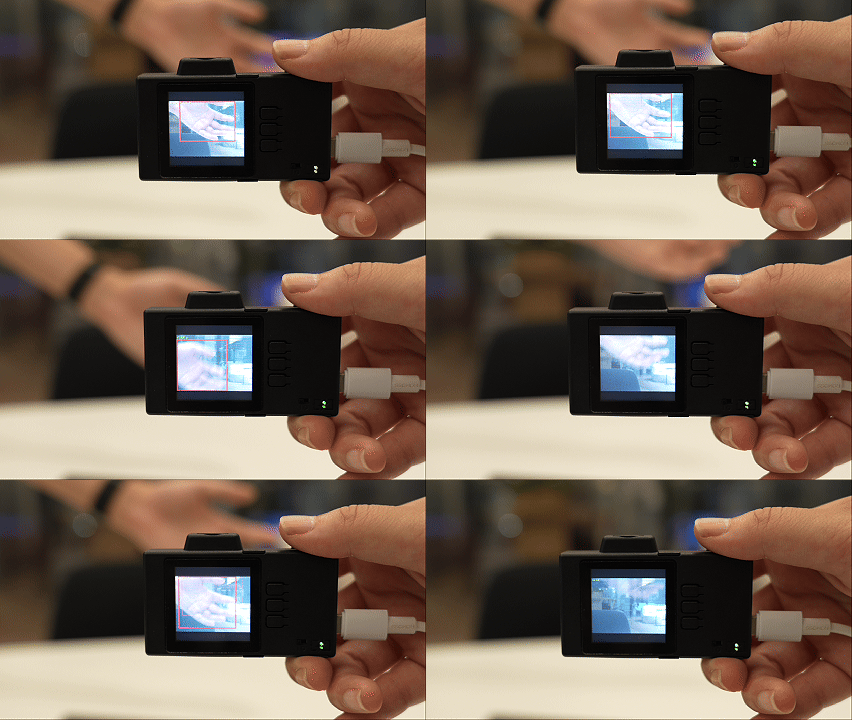 |
 |
| AprilTag | Canny |
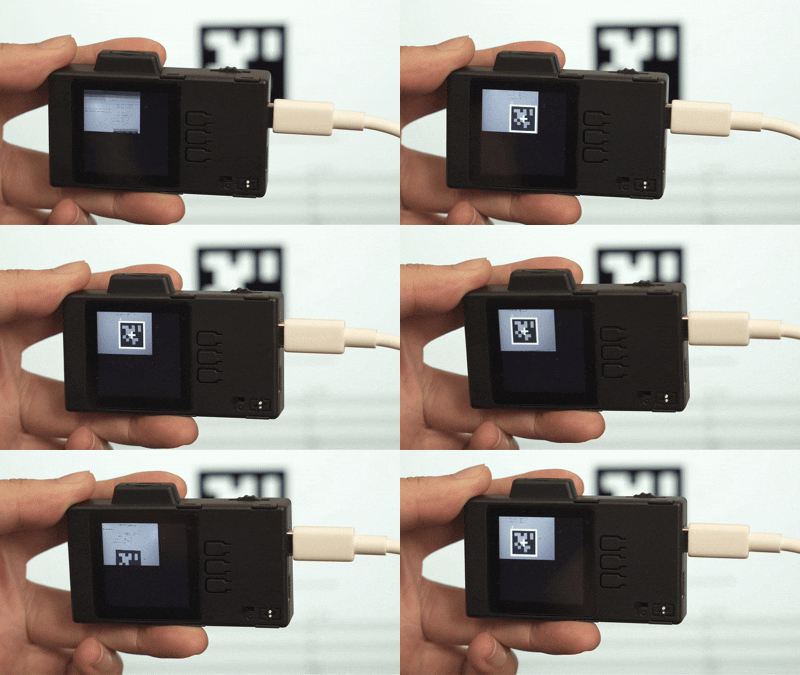 |
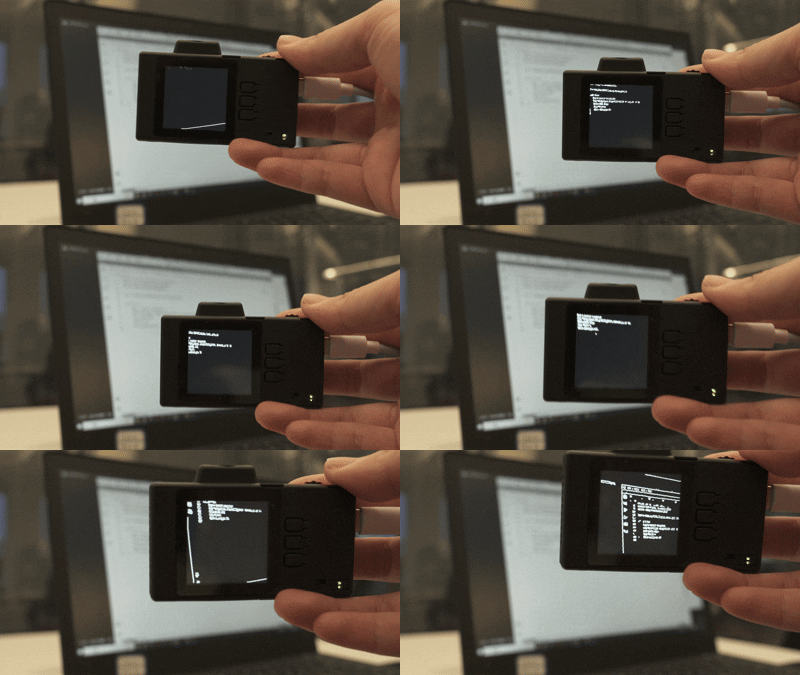 |
| Color Detect | QR Code |
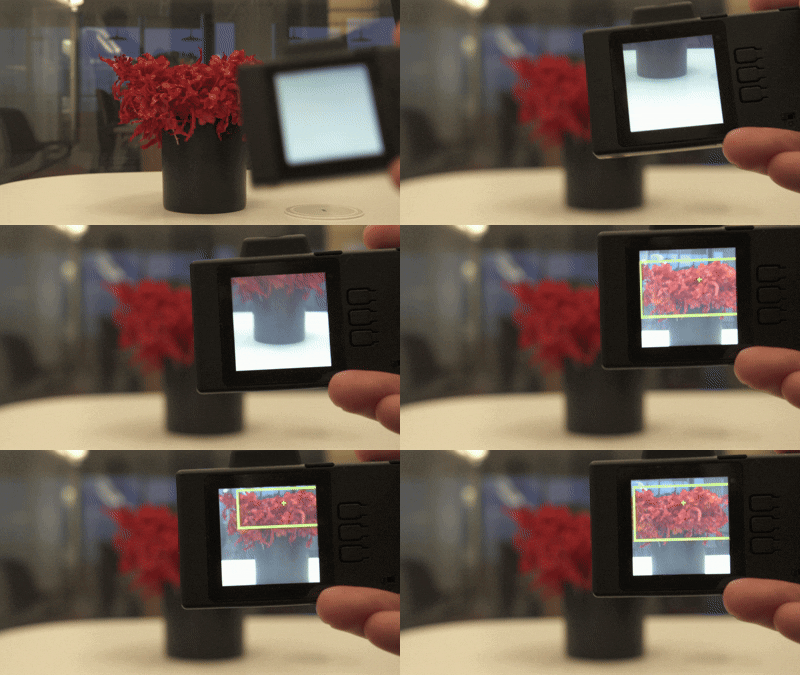 |
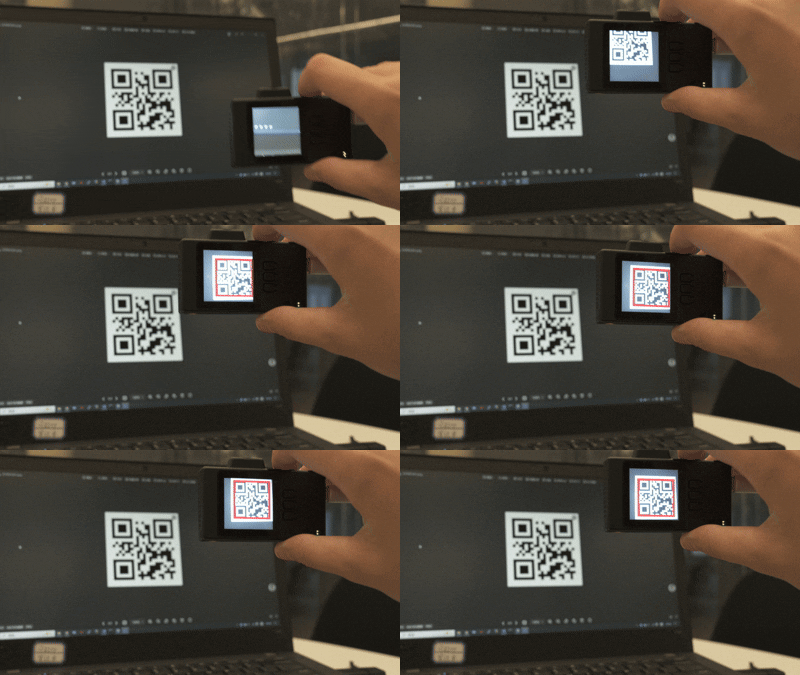 |
Report functional ESP-VISION problems in espressif/esp-vision GitHub Issues, including problems in the IDE, website, Host Device Core, and firmware. For suspected security issues, follow the private reporting instructions in SECURITY.md. Search existing issues first, then choose one of the four forms below. All four forms use English.
| Category | Scope | Report form |
|---|---|---|
| IDE | Editor, projects, UI, preview, and flashing workflows | Report an IDE problem |
| Website | Website pages, documentation, downloads, links, and MCP knowledge | Report a website problem |
| Host Device Core | Host connections, EV-MUX sessions, RPC, transport, and reconnect | Report a Host Device Core problem |
| Firmware | Builds, boot, crashes, camera, display, storage, and on-device APIs | Report a firmware problem |
Each form asks for environment and version details, reproduction steps, expected and actual behavior, and relevant logs or attachments. If the category is unclear, choose the closest match and describe the affected workflow. The form sources are in .github/ISSUE_TEMPLATE/.
ESP-VISION is intended for development, evaluation, prototyping, and personal DIY projects. Its firmware, board configurations, and examples are development references, not a production SDK or a ready-to-deploy configuration for mass-produced products. ESP-VISION is not currently included in the Espressif Bug Bounty Program.
The EV-MUX TCP interface provides wireless debugging on trusted local networks and has no peer authentication or transport encryption. Reachable clients can acquire an available session and control the device, including uploading files and running scripts. Use an isolated, trusted development network, or disable the TCP transport when it is unnecessary. See SECURITY.md for the trust model, configuration guidance, bounty scope, and private reporting channel.