
A simple and fast nifti viewer + more!
Warning
Disclaimer: Illuminator is intended for research, educational and/or personal use only and is not certified for any clinical use or diagnosis.
Illuminator opens NIfTI-1 (.nii, .nii.gz and .hdr/.img pairs) and NRRD (.nrrd, .nhdr) volumes (for now).
Some features:
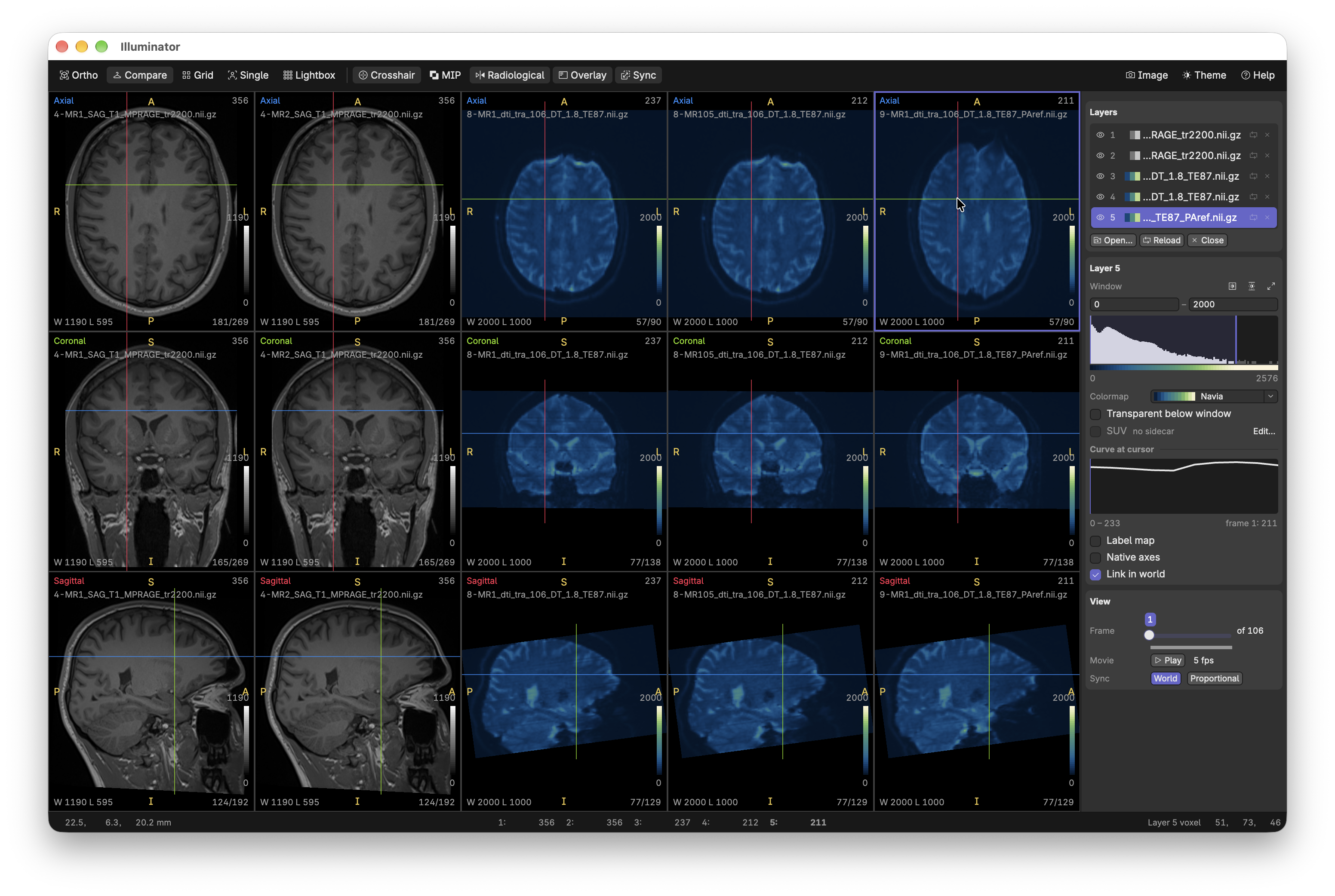
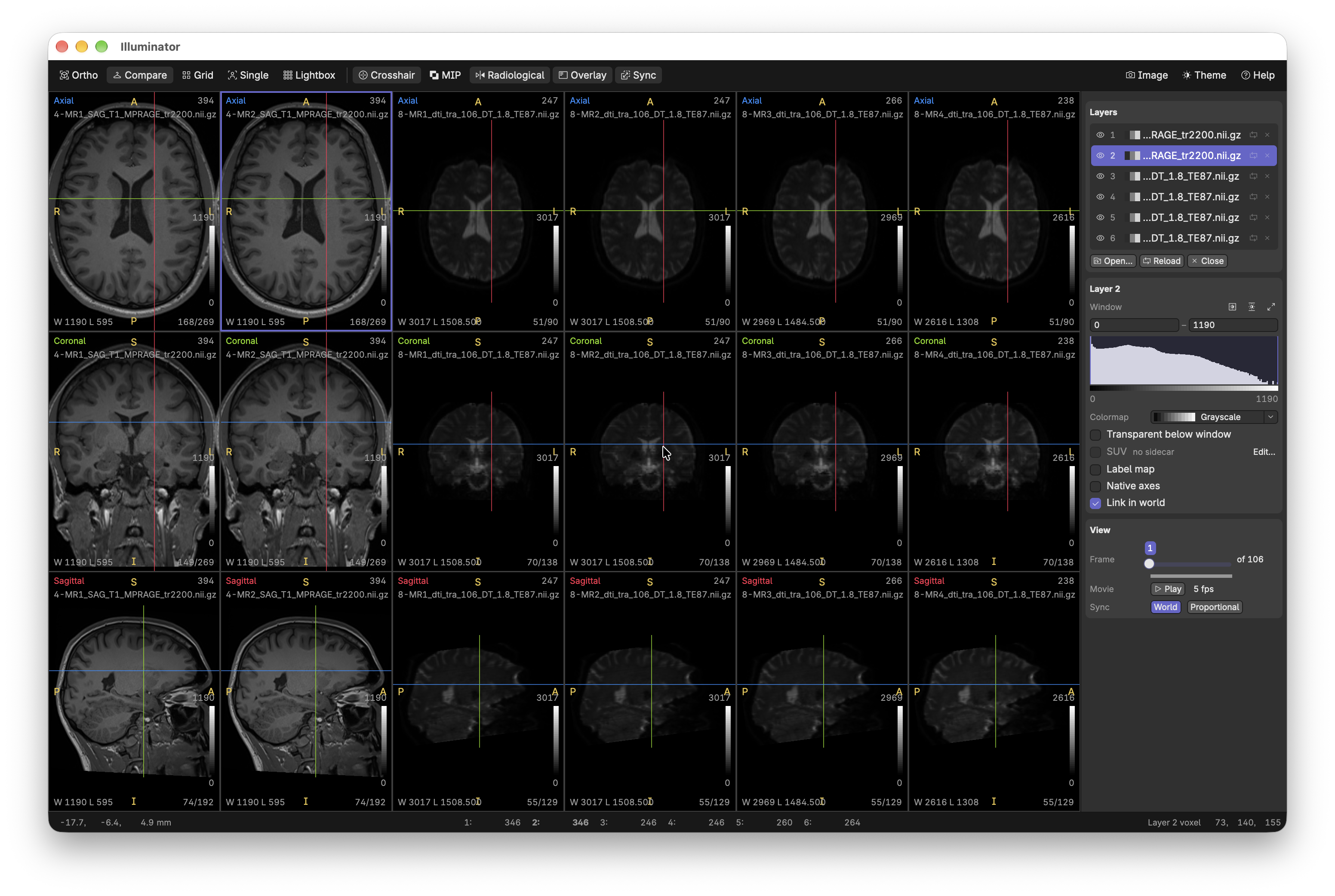
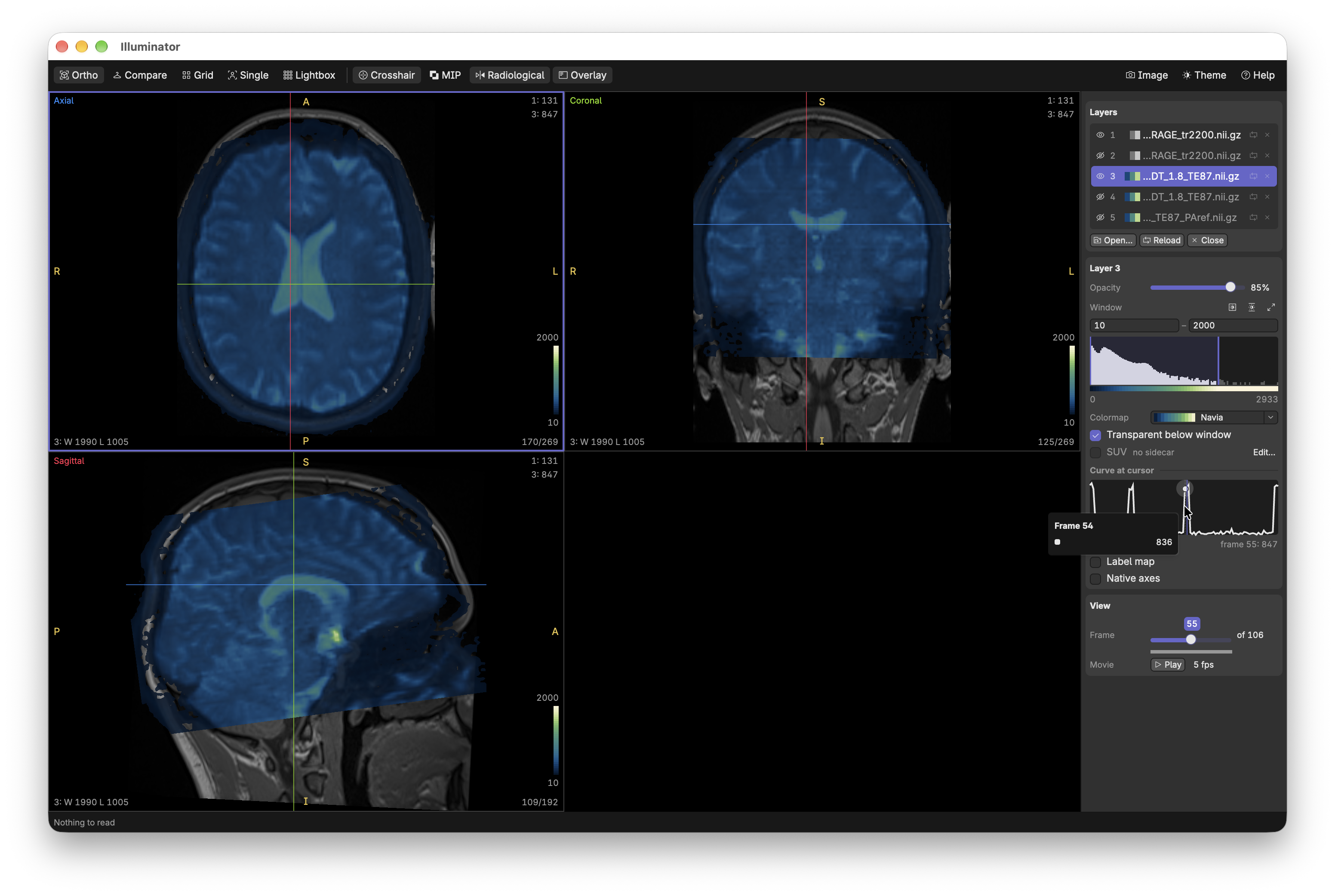
- Stack volumes as layers, overlaid or side by side with a colormap and window per layer
- Label maps can optionally be drawn as outlines with per-label statistics
- Maximum intensity projections (MIPs)
- "Playback" of 4D volumes
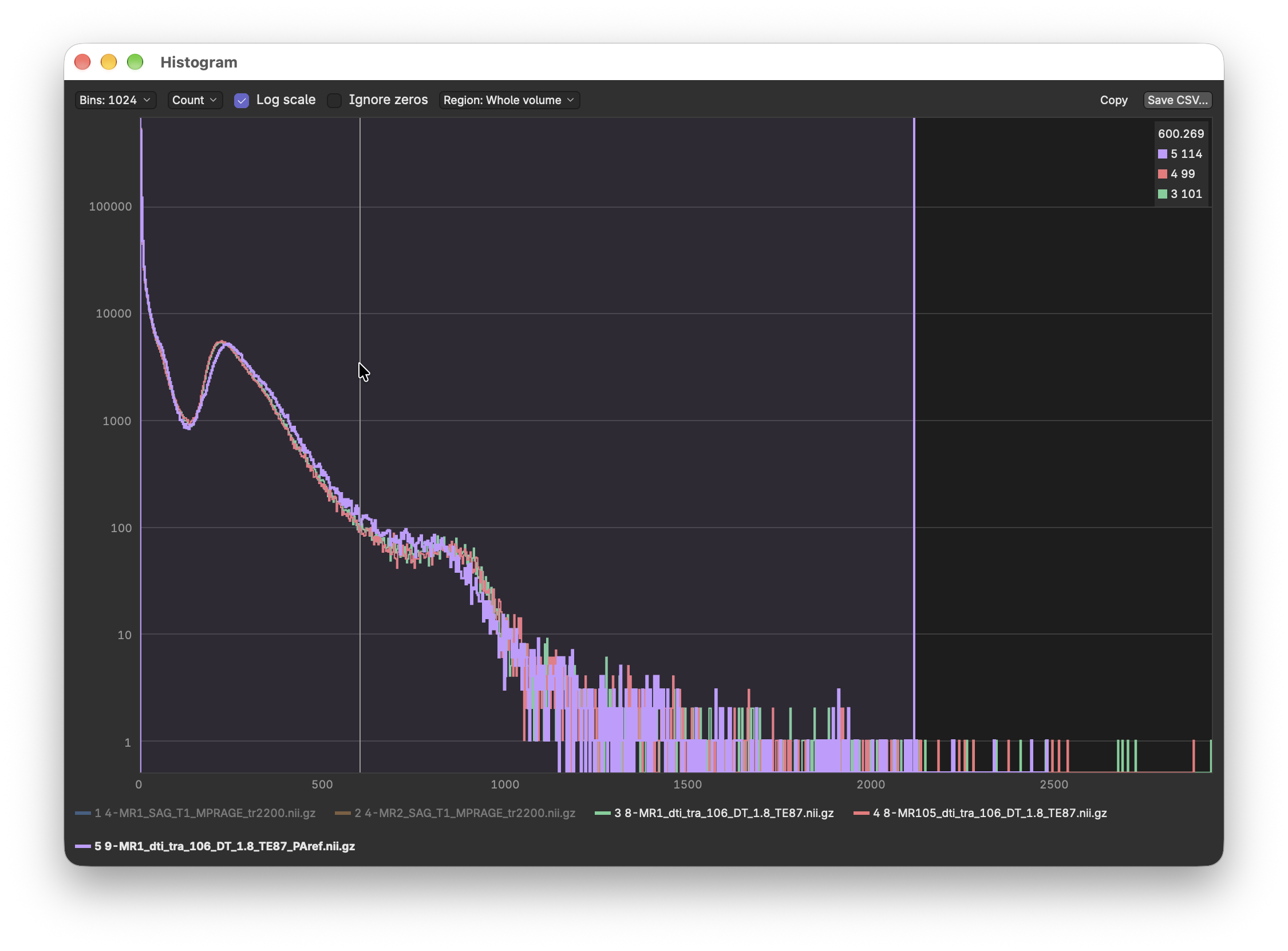
- Histogram window
- SUV-BW, SUV-LBMJames, and SUV-LBMJanma for PET volumes
Download the latest package from the releases page.
-
Windows: Run the
-setup.exeinstaller. -
macOS: Download the image and drag the app to your applications folder.
-
Debian and Ubuntu: Install with apt:
sudo apt install ./illuminate_0.2.0_amd64.deb
-
Arch Linux: Install with pacman:
sudo pacman -U ./illuminator-0.2.0-1-x86_64.pkg.tar.zst
Open volumes from the command line, or with Ctrl+O in an open window, or by dragging and dropping them on a open window.
illuminate ct.nii.gz pet.nii.gz -c inferno -l segmentation.nii.gz --layout compare| Option | |
|---|---|
FILE... |
Volumes to open (in order) |
-l, --labels FILE |
Open a volume as a label map |
-c, --colormap NAME |
Colormap of the volume just before it |
--layout NAME |
ortho (default), compare, grid, single or lightbox |
--plane NAME |
Plane of the grid layout: axial (default), coronal or sagittal |
--mip |
Show MIPs on open |
--size WIDTHxHEIGHT |
Window size in points, e.g. 1440x900 |
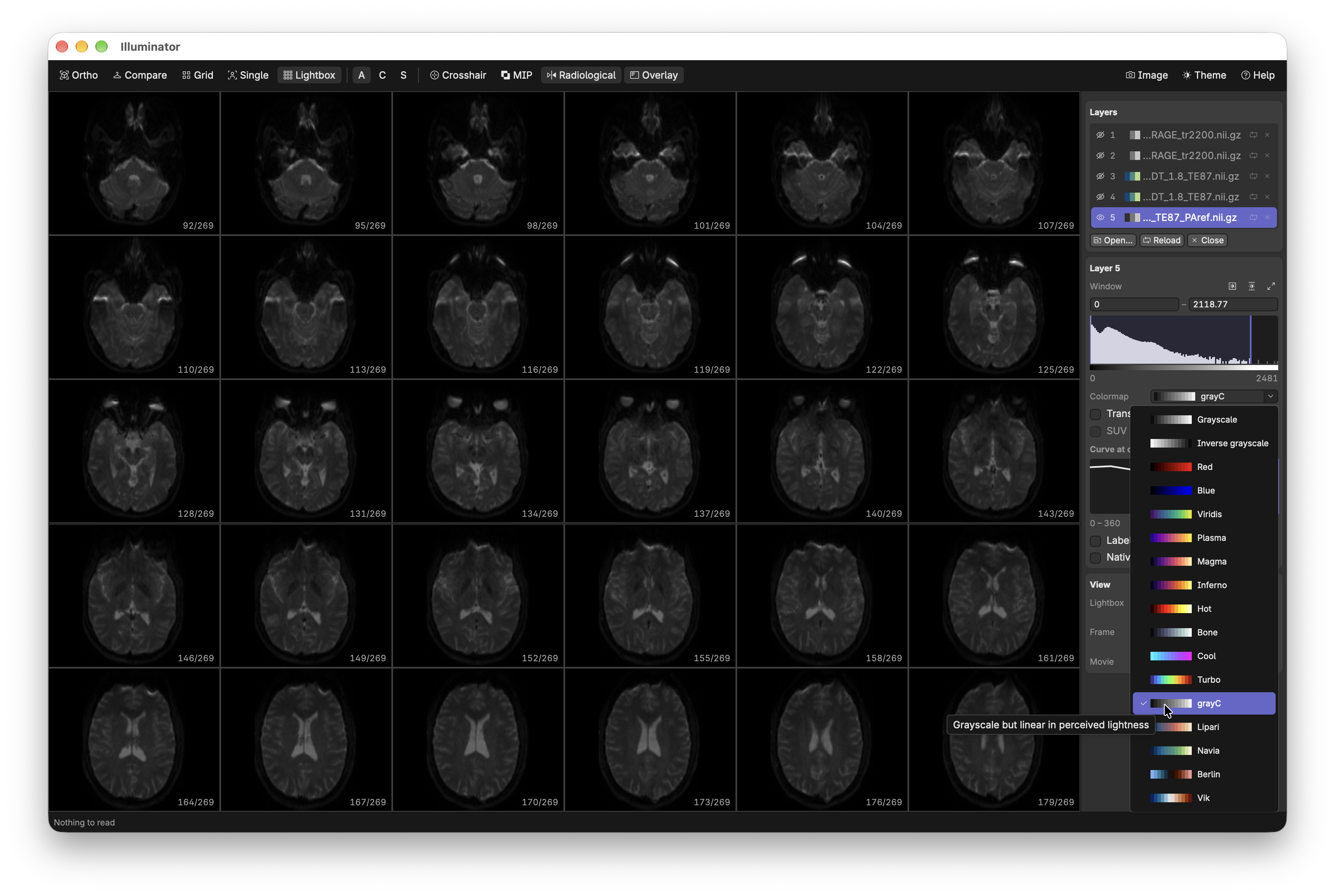
Colormaps: grayscale, gray-r, red, blue, viridis, plasma, magma, inferno, hot, bone, cool, turbo, grayc, lipari, navia, berlin and vik.
Press ? in Illuminator to see this list.
| Input | Action |
|---|---|
| Click+drag | Move the cursor |
| Right-click+drag | Window/level of the selected layer |
| Scroll | Change slice |
| Ctrl+scroll | Zoom at the mouse |
| Middle-click+drag or Alt+drag | Pan a zoomed view |
| Double-click | Focus or unfocus a view |
| =/-/0 | Zoom in/out/reset |
| 1 – 5 | View layouts |
| ↑/↓ | Next/previous slice |
| ←/→ | Previous/next frame |
| Space | Play/pause 4D volumes |
| O | Overlaid or side-by-side layers |
| J/K | Next/previous layer |
| Alt+J/K | Move layer down/up |
| V | Show or hide layer |
| H | Center cursor |
| A | Auto contrast |
| M | Next colormap |
| L/Shift+L | Label map on/off/toggle outlines |
| S/R/C/I | Crosshair sync/radiological orientation/crosshairs/view overlays |
| P | MIPs |
| G | Histogram window |
| T | Switch theme |
| Ctrl+R | Reload layer from disk |
| Ctrl+Backspace | Close layer |
| Ctrl+C/E | Copy/save the views as an image |
| Ctrl+W/Q | Close window/quit |
cargo run --release -p illuminator-app -- [FILES]Building on GNU/Linux needs libfontconfig-dev libfreetype-dev libwayland-dev libxkbcommon-dev libxkbcommon-x11-dev libx11-xcb-dev.
Run tests with:
cargo test --workspacePackages are built with cargo-packager and cargo-about:
cargo install cargo-packager --version 0.11.8 --lockedcargo install cargo-about --version 0.9.2 --locked --features clicargo packager --release -p illuminator-appThe packages are written to target/packages. Changes should be recorded in CHANGELOG.md.
Licensed under either the Apache License, Version 2.0 (LICENSE-APACHE), or the MIT license (LICENSE-MIT).