Repository navigation
Media: Handle editor's media modal uploads with client-side pipeline - #82473
adamsilverstein wants to merge 19 commits into
Conversation


Uploads the editor starts itself go through the block editor's mediaUpload
setting, which the provider swaps for the @wordpress/upload-media pipeline
when client-side processing is available. The media modal is Backbone
wp.media, and its uploader is core's wp.Uploader/plupload, which nothing
intercepts, so it posts the original bytes to async-upload.php. The same
HEIC file converts and uploads on an Image block but fails in the modal,
and files uploaded there skip browser-generated sub-sizes, the big-image
threshold and animated GIF handling.

Bind a higher-priority FilesAdded handler on every wp.Uploader instance and
hand the files to the same pipeline, mirroring plupload's placeholder
attachments, progress and wp.Uploader.errors so the modal's UI works
unchanged. The batch falls back to plupload whenever the pipeline is
unavailable or cannot take every file in it.

Co-Authored-By: Claude Opus 5 (1M context) <noreply@anthropic.com>
Claude-Session: https://claude.ai/code/session_01HMK7kaTqz41w6rTnjiP9KC
The e2e spec asserts the modal's upload reaches the REST API and never
async-upload.php, and that a format the server may not be able to process
uploads cleanly. The unit tests cover the plupload interception itself:
priority, the placeholder attachment, the forwarded multipart params, the
fallback cases, and how success and failure are reported back to the modal.

Co-Authored-By: Claude Opus 5 (1M context) <noreply@anthropic.com>
Claude-Session: https://claude.ai/code/session_01HMK7kaTqz41w6rTnjiP9KC

|
Important Review skippedAuto reviews are disabled on this repository. To trigger a review, include ⚙️ Run configurationConfiguration used: Path: .coderabbit.yaml Review profile: CHILL Plan: Team Run ID: You can disable this status message by setting the Use the checkbox below for a quick retry:
Comment |


|
The following accounts have interacted with this PR and/or linked issues. I will continue to update these lists as activity occurs. You can also manually ask me to refresh this list by adding the If you're merging code through a pull request on GitHub, copy and paste the following into the bottom of the merge commit message. To understand the WordPress project's expectations around crediting contributors, please review the Contributor Attribution page in the Core Handbook. |
Co-Authored-By: Claude Opus 5 (1M context) <noreply@anthropic.com>
Claude-Session: https://claude.ai/code/session_01HMK7kaTqz41w6rTnjiP9KC
 adamsilverstein
added
[Type] Bug
adamsilverstein
added
[Type] Bug
`@wordpress/fields` is a bundled package and reaches `@wordpress/media-utils`
through its media-edit component. Importing the `store` descriptor from
`@wordpress/upload-media` pulled the store, its lock-unlock module, and
`@wordpress/private-apis` into that bundle, failing the private API check.

Address the store by name instead and keep only the feature-detection
imports, which tree-shake cleanly.

Co-Authored-By: Claude Opus 5 (1M context) <noreply@anthropic.com>
Claude-Session: https://claude.ai/code/session_01HMK7kaTqz41w6rTnjiP9KC
- Reach the pipeline through the `wp.uploadMedia` global instead of
  importing `@wordpress/upload-media`, so the `wp-media-utils` handle does
  not drag the processing stack onto every screen that enqueues it - and
  so no bundled package importing media-utils reaches private APIs.
- Match a queue item to its upload by the identity of the `onSuccess`
  callback rather than by file name/size/mtime, so an item the block
  editor queued for the same file cannot claim the modal's tile.
- Report an upload's outcome once: the store can call `onSuccess` twice
  for a parent item, and a cancel can be followed by a late success.
- Fail a tile whose queue item leaves the store without reporting, which
  `cancelItem()` does silently. It used to stick at 99% and keep the
  modal from returning to browse mode.
- Set the attachment id non-silently so `Attachments` re-keys the model
  from its cid to its id; without it a library refetch duplicated the
  tile.
- Map the REST attachment to `wp.media` attributes in the refetch-failure
  fallback, instead of writing REST field names onto the model.
- Leave a batch of already-failed files to the built-in handler, which is
  the only caller of `up.start()`.
- Unsubscribe from the store once nothing is in flight.

Co-Authored-By: Claude Opus 5 (1M context) <noreply@anthropic.com>
Claude-Session: https://claude.ai/code/session_01HMK7kaTqz41w6rTnjiP9KC
Addressing a store by name gives `unknown` from `dispatch()`, so
`dispatch( 'core/upload-media' ).addItems()` failed the type check.
Declare the selectors and action creators this module uses and route
every store access through a typed accessor.

Co-Authored-By: Claude Opus 5 (1M context) <noreply@anthropic.com>
Claude-Session: https://claude.ai/code/session_01HMK7kaTqz41w6rTnjiP9KC
…l-client-side-uploads
…l-client-side-uploads
`isPipelineReady()` accepted any truthy `mediaUpload` in the upload-media
store, but that setting defaults to a no-op: it takes a file and never
calls back. On a screen that carries the media modal without a block
editor behind it - the site editor's page list, where "Set featured
image" opens the modal from a DataViews quick edit - the store is
registered but never configured, so every file handed to it stranded the
modal's tile at "uploading" and left the Select button disabled.

Require `mediaSideload` and `mediaFinalize` as well. Neither has a
default, and the provider writes all three in one dispatch, so their
presence is what tells a configured store from an untouched one. An
unconfigured store now falls back to the classic server-side upload.

Co-Authored-By: Claude Opus 5 (1M context) <noreply@anthropic.com>
Claude-Session: https://claude.ai/code/session_01XymJGmRuNKwf8srrtsrcLR
Both specs waited for a tile without the `uploading` class to appear,
which the modal can satisfy without this upload having done anything:
queuing the file flips the frame from the upload tab to the library
grid, so any attachment an earlier spec in the shard left behind renders
a settled tile at once. The first spec then read zero `/wp/v2/media`
requests and failed; the second passed in 1.5s without ever checking the
upload it was meant to exercise.

Wait for the pipeline's finalize request - the last one it makes for a
file - then assert no uploading tile is left.

Co-Authored-By: Claude Opus 5 (1M context) <noreply@anthropic.com>
Claude-Session: https://claude.ai/code/session_01XymJGmRuNKwf8srrtsrcLR
The 5.55.0 release on 2026-09-10 renamed the `## Unreleased` heading the
entry was written under, stranding it in a published version. The new
changelog structure validator rejects that.

Co-Authored-By: Claude Opus 5 (1M context) <noreply@anthropic.com>
Claude-Session: https://claude.ai/code/session_01XymJGmRuNKwf8srrtsrcLR
…l-client-side-uploads

# Conflicts:
#	packages/media-utils/CHANGELOG.md
adamsilverstein
changed the title
The pipeline hands onSuccess the attachment after transformAttachment(),
which replaces source_url and alt_text with url and alt and flattens the
title to a string. When the tile's refetch failed, the fallback read the
raw REST fields and left a finished tile with no URL, alt or title.

Read the transformed fields first, keep the REST ones as a fallback, and
cover the refetch-failure path with a test.

Co-Authored-By: Claude Opus 5.5 <noreply@anthropic.com>
Claude-Session: https://claude.ai/code/session_01FsWX1VRwNrAQQtytWXzTQ9
The attachment details sidebar does not re-render on every model change,
only on a title change. The refetch brought the title while the model was
still marked as uploading, and uploading: false arrived afterwards, so the
sidebar kept showing a progress bar for a finished upload. wp-plupload.js
avoids this by setting the response and uploading: false in one call.

Clear the uploading state silently before the refetch so the render the
title change triggers already sees a finished attachment.

Co-Authored-By: Claude Opus 5.5 <noreply@anthropic.com>
Claude-Session: https://claude.ai/code/session_01Vnh6X3n9GDEZjAbXSYvQNX

|
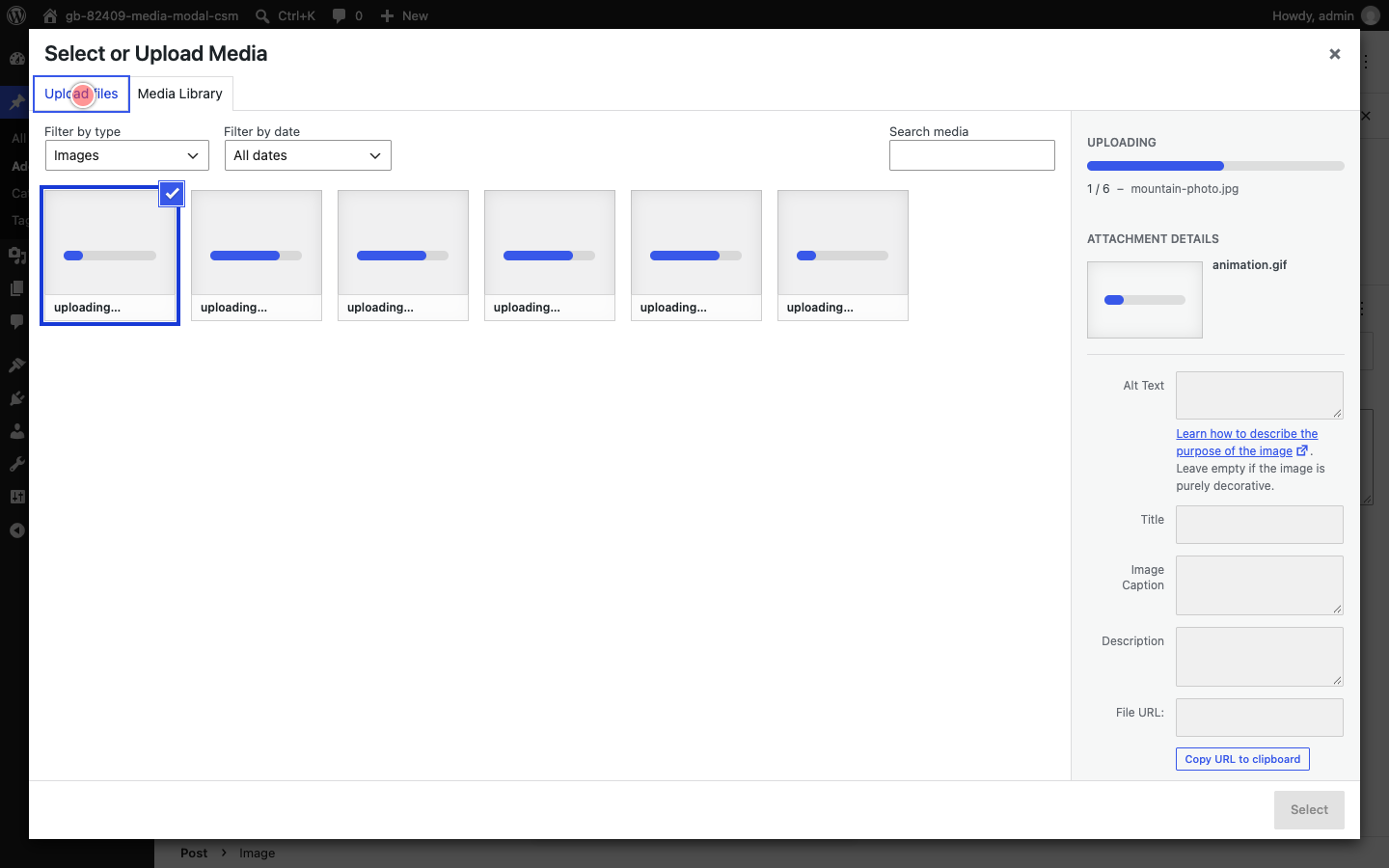
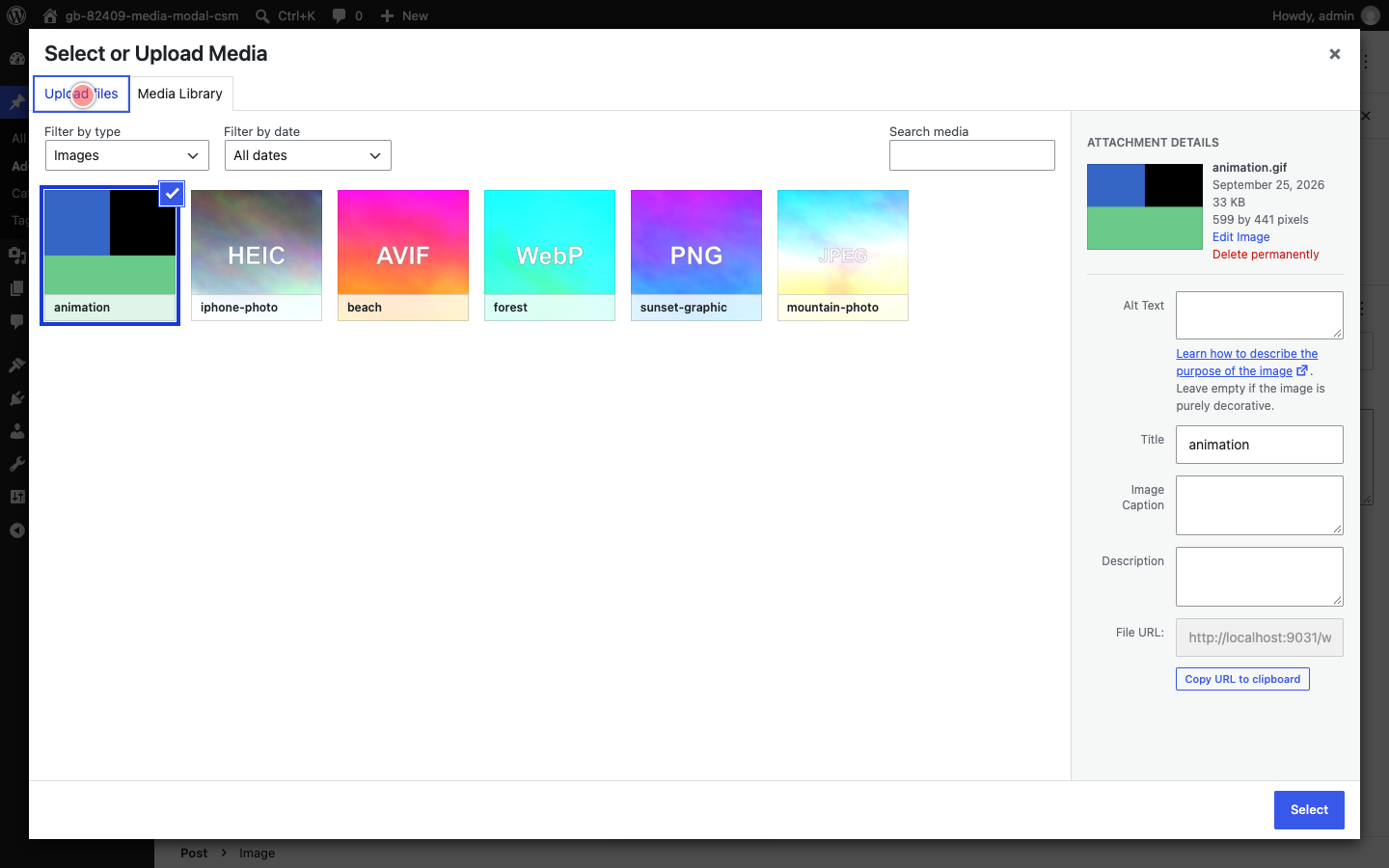
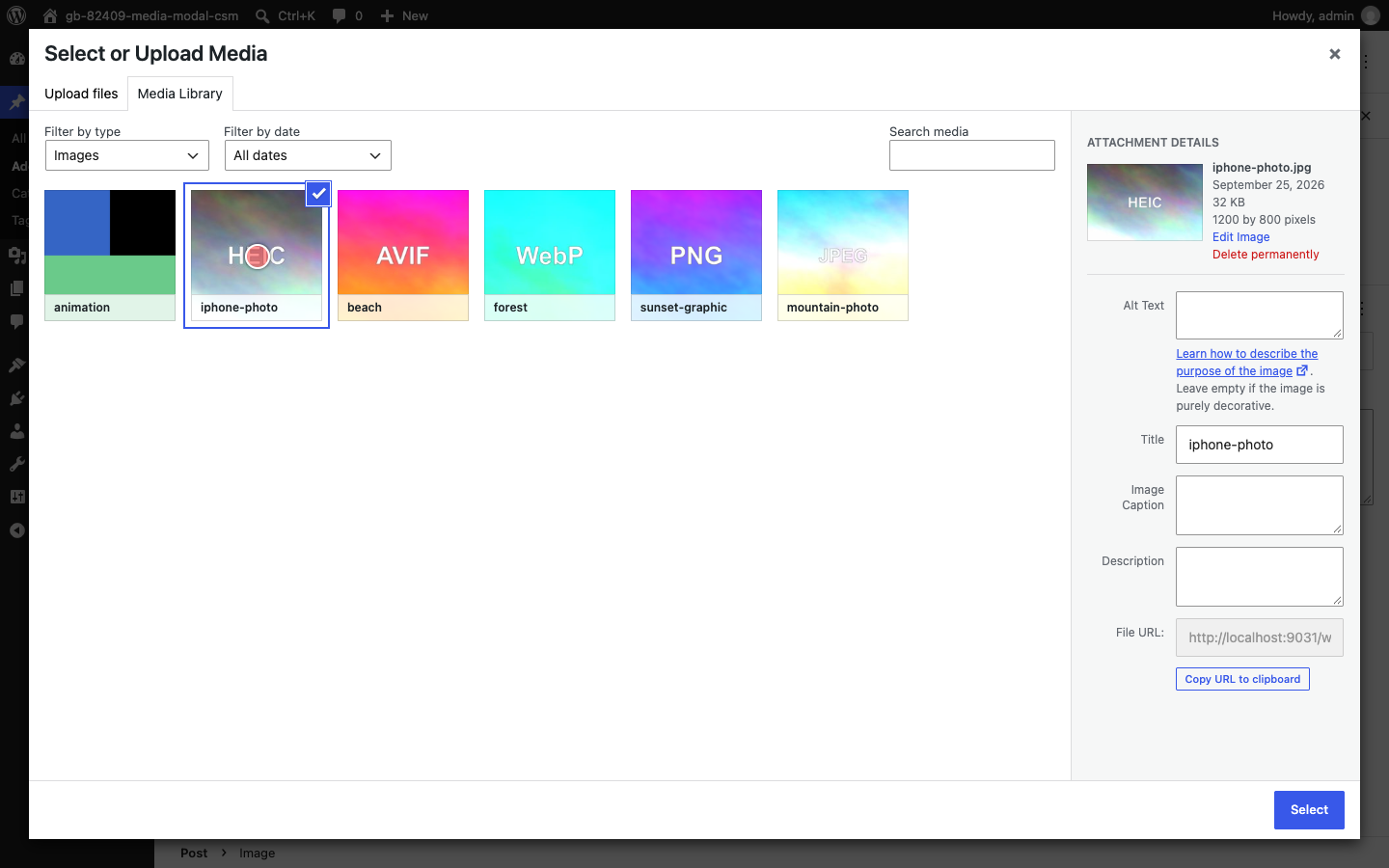
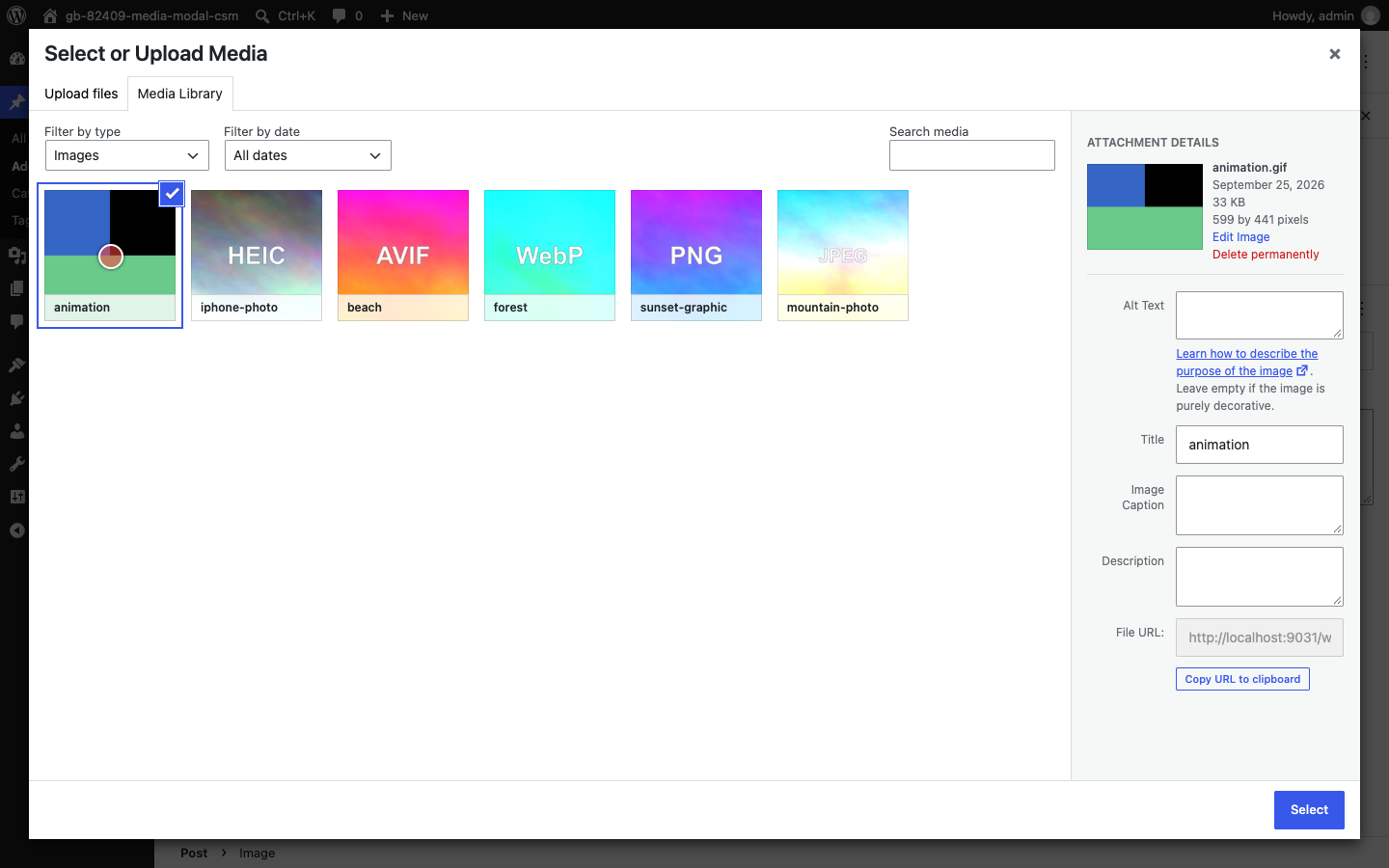
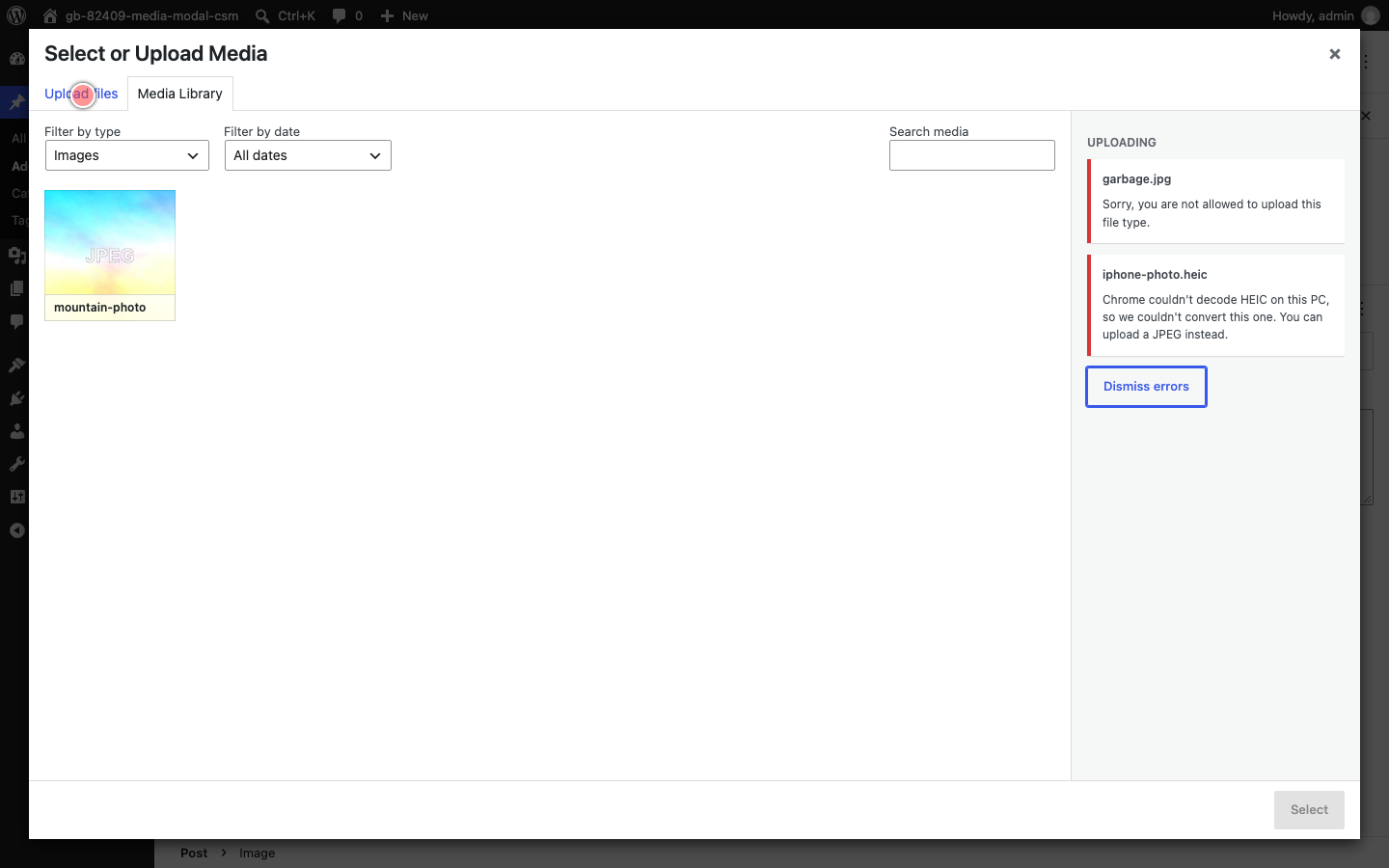
Captured this PR in action, uploading every format I could think of through the editor's media modal, plus a couple of files that should fail. Claude ran the uploads and recorded them, here is what came back:
Happy to capture any other formats or flows if that helps with review. |


getMockImplementation() on an untyped vi.fn() returns a union that
includes a constructor type, which fails the TS2349 typecheck in CI.

Co-Authored-By: Claude Opus 5.5 <noreply@anthropic.com>
Claude-Session: https://claude.ai/code/session_01Vnh6X3n9GDEZjAbXSYvQNX

 andrewserong
left a comment
andrewserong
left a comment
andrewserong
left a comment
There was a problem hiding this comment.
This is testing nicely for me so far! The images uploaded using the classic media modal in the block editor are uploaded via the client-side workflow with sideload requests etc showing correctly in the network tab 👍
A couple of questions about the scope:
- This overrides all uploads via the global
wp.Uploaderonce a user opens the media modal. However, it's possible for plugins to be usingwp.Uploaderfrom the block editor, too, and once a user opens the core media modal, thenwp.Uploaderwill have the client-side overridden approach instead. Is there a way to ensure theclient-side-modal-uploadsoverridden approach only fires on requests that are intended for the attachment uploader? I.e. so that plugins that are doing their own upload approach aren't affected? - I like that this is set up in a separate file as it makes it easy to load. But it also expects that the upload-media store is available. Looks like it correctly falls back when it isn't available, though? Something to consider for further down the track is how we'll roll this out for instances of the classic media modal that live outside of the block editor and media library screens. E.g. the site icon button on http://localhost:8888/wp-admin/options-general.php — not something to worry about in this PR, but just thought I'd mention it in case it informs where things should live (or where the logic might move one day)
| * @param attachment The finalized attachment. | ||
| * @return Attributes for a `wp.media` attachment model. | ||
| */ | ||
| function toModelAttributes( attachment: any ): Record< string, unknown > { |
There was a problem hiding this comment.
Is there an opportunity to use real types here? We should have a couple of types to play with in ./types.ts that might fit?
There was a problem hiding this comment.
Good idea, done in 76a2634.
Claude did the typing here:
The attachment the pipeline hands back is now
Partial< Attachment >from./types, which also made the raw REST field fallbacks (source_url,alt_text,title.raw) unreachable, so they are gone. The plupload uploader,wp.Uploaderinstance and Backbone model have no types in the repo, so those got narrow local shapes alongside the existingPluploadFile, the same way the rest of the module already declares the store's selectors.
Good questions, I'll see if we can make it so the "overridden approach only fires on requests that are intended for the attachment uploader"
I will review the approach and see how that impacts other uses. |
…l-client-side-uploads

# Conflicts:
#	packages/media-utils/CHANGELOG.md
… module

The FilesAdded patch reaches every wp.Uploader built after the modal opens,
including one a plugin builds from the block editor for its own endpoint.
Check core's defaults (async-upload.php with the upload-attachment action)
before taking a batch, so anything pointed elsewhere keeps its own upload.

Replace the module's `any` parameters with the package's Attachment type for
what the pipeline returns and narrow local shapes for the plupload, wp.Uploader
and Backbone model objects, and drop the raw REST field fallbacks the typed
shape makes unreachable.

Co-Authored-By: Claude Fable 5.1 <noreply@anthropic.com>
Claude-Session: https://claude.ai/code/session_015q272S5jKgWCuQYrbz2SKb
|
@andrewserong thanks for testing, and for the scope questions - the first one was a real gap. Both are addressed in 76a2634, along with the types you asked about in the thread. I had Claude work through both points, here is the summary:
Does the gate look right to you, or would you rather see it keyed off the modal's |
Core's media-frame-upload script (wordpress-develop WordPress#13875) binds the same
FilesAdded handler at the same priority and sets window.__wpMediaFrameUpload
once it has. Skip installing this module's handler when that flag is present,
so the first `false` return is core's by design rather than by load order.

Co-Authored-By: Claude Fable 5.1 <noreply@anthropic.com>
Claude-Session: https://claude.ai/code/session_015q272S5jKgWCuQYrbz2SKb
|
One more small change in cea684f, tied to the core side of the second question above: the module now does nothing when core's |

|
Thanks for the updates!
That gating looks good to me, and is what I had in mind. With the caveat that my knowledge of plupload and the core media library code is pretty vague — but in principle gating on the
Nice work pursuing this in core! That raises another question: if this is handled canonically in core, do we need this PR anymore? I.e. what if we consolidated our work in WordPress/wordpress-develop#13875 so we don't need to worry about managing the support in Gutenberg itself? I imagine this might help us avoid duplication double handling? Or was there another reason to have this in Gutenberg, too? |
This branch has not been deployed
2 participants


Fixes #82409
Uploads the editor starts itself - dropping a file on a block, the inserter, the Upload button - go through the block editor's
mediaUploadsetting, which the provider swaps for the@wordpress/upload-mediapipeline when client-side processing is available. The media modal is Backbonewp.media, and its uploader is core'swp.Uploader/plupload, which nothing intercepts, so it posts the original bytes toasync-upload.php. That is why the same HEIC file converts and uploads on an Image block but fails in the modal, and why anything uploaded there also skips browser-generated sub-sizes, the big image threshold, and animated GIF handling.This binds a higher priority
FilesAddedhandler on everywp.Uploaderinstance and hands the files to the same pipeline instead. plupload's placeholder attachments, progress andwp.Uploader.errorsare mirrored, so the modal's own UI works unchanged. The batch falls back to plupload whenever the pipeline is unavailable - no cross-origin isolation, an older browser - or when it cannot take every file in the batch.Related: WordPress/wordpress-develop#12585 does the same for the Media Library grid and the Add New Media File screen. Those scripts are not enqueued on editor screens, so that PR does not cover the modal and the two are complementary.
How has this been tested
/wp/v2/media, then/sideloadonce per sub-size, then/finalize. Nothing hitsasync-upload.php.Automated coverage, both green locally:
npm run test:unit:vitest -- packages/media-utils/src/utils/test/client-side-modal-uploads.jsdom.test.tsnpm run test:e2e -- test/e2e/specs/editor/various/media-modal-client-side-upload.spec.jsThe e2e spec was run against the unfixed build first, where it fails because the upload never reaches the REST API. The AVIF case is covered there too; the HEIC case was not, since there is no HEIC fixture in the repo, and it takes the same path.
Types of changes
FilesAddedhandler on thewp.Uploaderinstances the media modal creates.@wordpress/upload-mediastore and mirror plupload's placeholder tiles, progress and error list.File, or when the browser can only convert HEIC and the batch holds something else.plupload_default_paramsstill reaches the upload.Open questions
wp-plupload.jsdetecting an active pipeline itself, is still the open question from the issue.cc: @swissspidy @andrewserong
AI Use
Code and description both written with 🤖 Claude Code. I will review and test.