
A digital version of the Blood on the Clocktower grimoire, allowing in-person games.
When you first load the Pocket Grimoire, you'll be presented with a simple screen with the Setup section open and two of the buttons will be disabled.
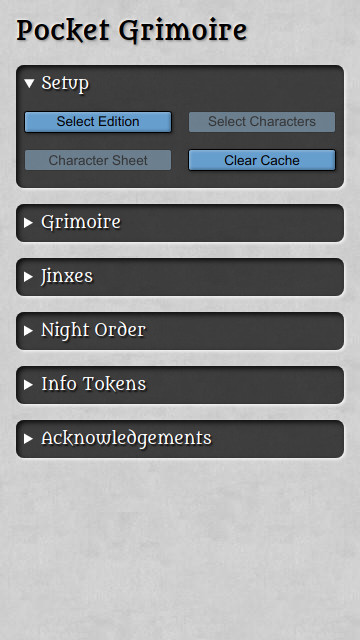
Select an edition to load the character data. It's possible to manage custom scripts, see the section lower down for more details.
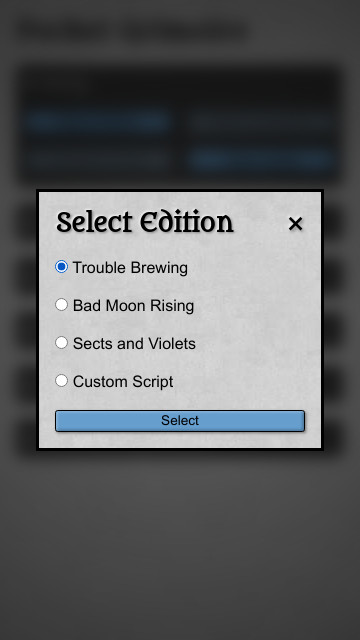
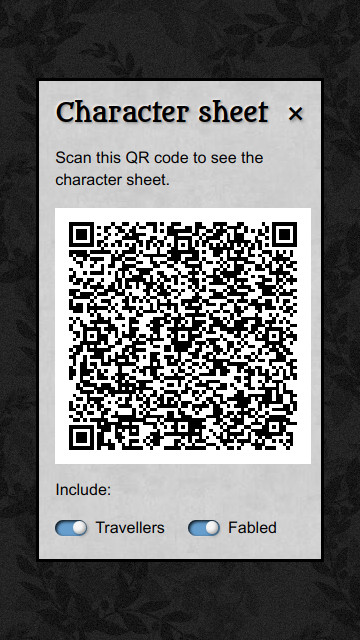
Once you've selected your edition, the buttons in the Setup screen will enable. This allows you to tap the "Character sheet" button and reveal a QR code that your players can scan to get see the list of characters on their phones.
Note
Notice how the background fully obscures the grimoire instead of blurring it? If the background is blurred then the screen should only be seen by the Story Teller, but if the grimoire is fully hidden by the background then the screen can be shown to the players.
As your players are familiarising themselves with the script, you can close that screen and tap the "Select Characters" button to select the characters . The characters can be selected manually or you can tap the "Highlight random" button to randomly select the tokens for you.
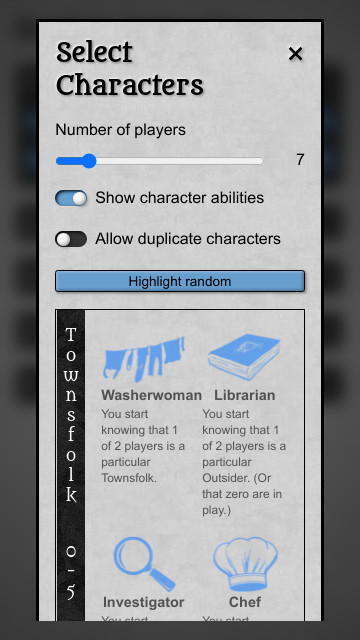
ℹ️ If you select the character and a red exclamation mark appears then the character changes the setup of the game. This may mean that other characters need to be selected. A yellow star means that a the character is jinxed with another one - including that character will add a section to the main screen that explains the effect of the Jinx on this game.
When you're happy with the selection, tap the "Draw Characters" button to let your players draw their tokens.
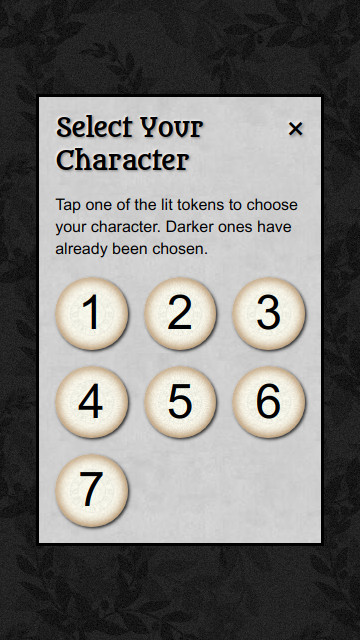
Tapping on any of the numbers will show the token - that will be that player's character. As a token is chosen, that number is greyed out to prevent it being selected again.
When all the tokens have been selected, close that screen and open the Grimoire section. Each of the chosen tokens will be added to the grimoire, with the first token on the bottom and the most recently chosen on at the top.
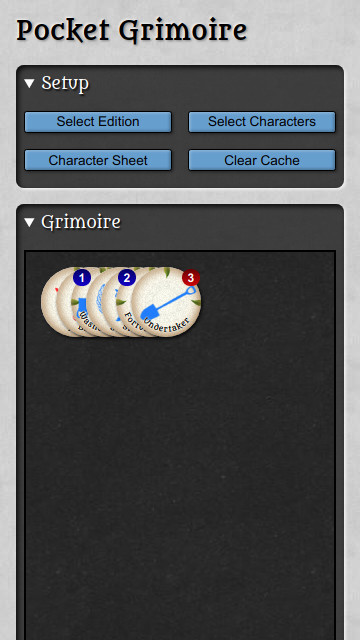
Organise the grimoire however you prefer, add any reminder tokens that you need, and set up some demon bluffs.
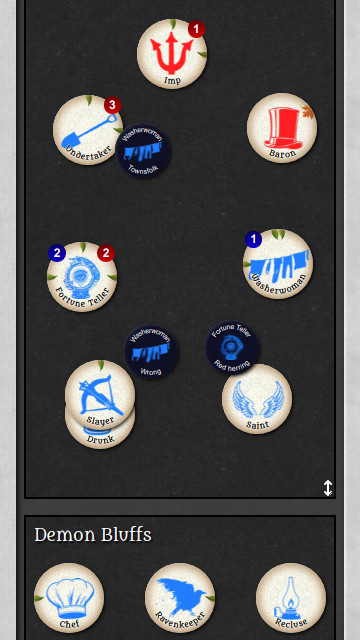
You're now ready to play a game of Blood on the Clocktower - have fun!
As well as the three official scripts, the Pocket Grimoire can allow you to work with custom scripts. A custom script should be a list of IDs for the characters on the script. For example, here's Trouble Brewing as a custom script, including the travellers:
[
    "washerwoman",
    "librarian",
    "investigator",
    "chef",
    "empath",
    "fortuneteller",
    "undertaker",
    "monk",
    "ravenkeeper",
    "virgin",
    "slayer",
    "soldier",
    "mayor",
    "butler",
    "drunk",
    "recluse",
    "saint",
    "poisoner",
    "spy",
    "scarletwoman",
    "baron",
    "imp",
    "bureaucrat",
    "thief",
    "gunslinger",
    "scapegoat",
    "beggar"
]
The JSON file created on the official script tool will be understood.
Optionally, you can include a name for the script. To do this, include an entry in the JSON with the ID _meta:
[
    { "id": "_meta", "name": "Trouble Brewing" },
    // ...
]The Pocket Grimoire tries to use the Official Translations for all roles and jinxes. If the translation doesn't exist (or isn't approved) in the official translations, the Pocket Grimoire will get the translations from the community resources:
If the translation is in neither the official nor community translations then the text will be in English.
The app itself uses the Pocket Grimoire Translations.
If you have added a new locale, please let me know so that I can add it to the app.