








Open a terminal in VS Code and go into the frontend folder and then run
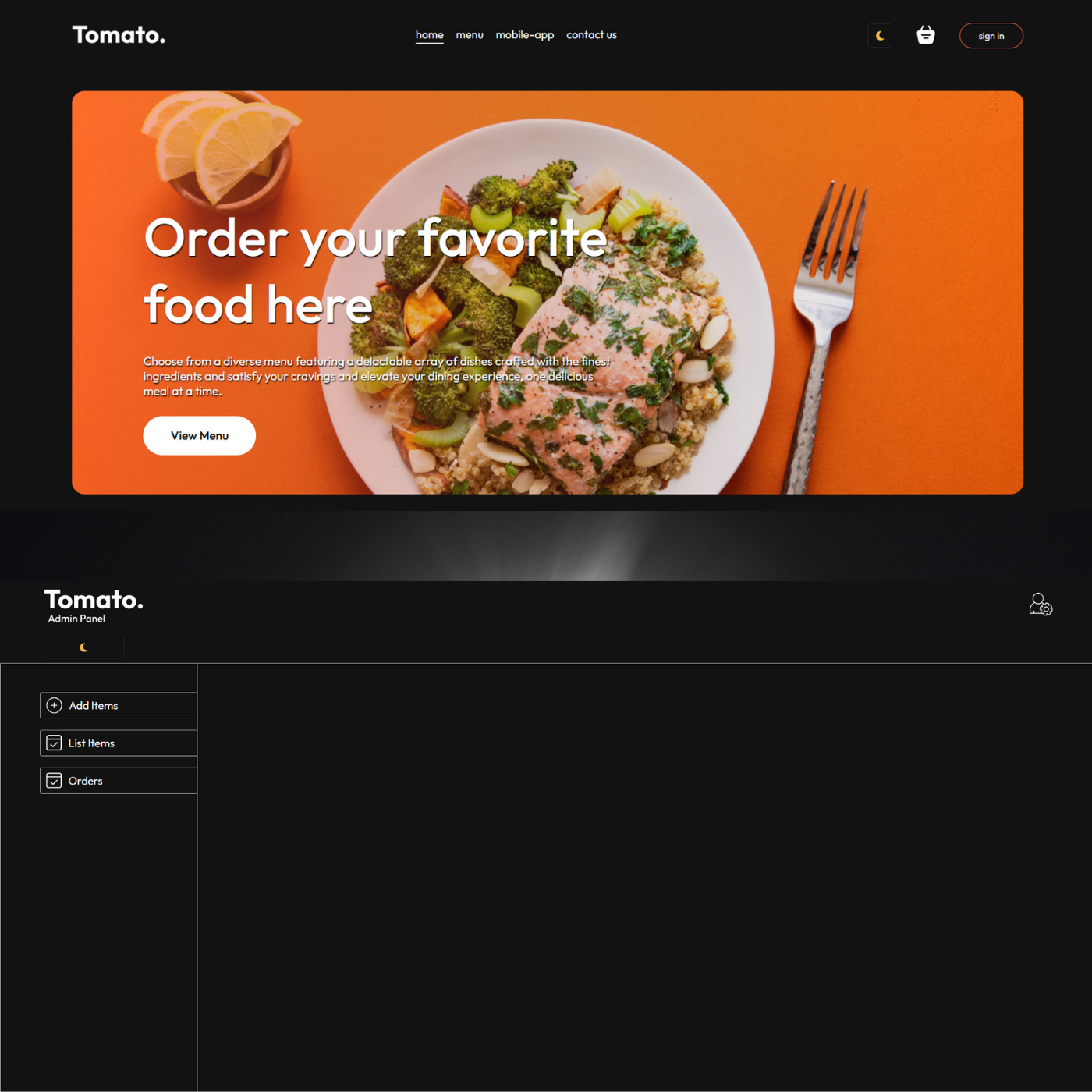
❗Open the frontend first http://localhost:5173
npm install
npm run dev
Open a terminal in VS Code and go into the admin folder and then run
❗Open the admin after the frontend. http://localhost:5174
npm install
npm run dev
Open a terminal in VS Code and go into the backend folder and then run
npm run server
- Remember to include your Database in db.js and your Stripe Secret Key in .env